 JPG
JPGChoose the right photo format
Start with what you need to do: upload a photo, keep a transparent logo, send a smaller file, or combine pictures into a document. Keep your original files and make a copy for the destination.
HEIC photos from an iPhone
HEIC can store photos efficiently, but some websites and apps accept only JPG or PNG. Use HEIC to JPG to create a compatible copy. Renaming .heic to .jpg does not convert the image. Keep the original if you want its original metadata, HDR information or editing options.
On an iPhone, use the file picker to select files your browser can access. If a photo is stored in iCloud, download it first. Start with a small batch and keep the tab open. The browser may stop background processing when you switch apps or lock the phone.
JPG for photos, email and application uploads
JPG and JPEG are names for the same format. It suits ordinary photographs and is widely accepted. JPG is lossy: even the highest quality setting does not guarantee pixel-for-pixel preservation. Avoid repeatedly saving the same JPG after edits. Convert from the original and check the final copy.
Use Compress JPG when a form has a file-size limit. Lower quality reduces encoded detail; Resize JPG reduces pixel dimensions. These are different controls. A smaller image is often enough for an online form, but a print may need more pixels.
PNG for screenshots and transparent graphics
PNG preserves rendered pixels without JPEG compression and can store transparency. It is often a better choice for logos, diagrams and sharp screenshot text. Converting PNG to JPG places transparent areas over white and can introduce artifacts around letters. Use PNG output when transparency matters; converting an existing JPG to PNG does not restore lost detail.
TIFF and RAW for editing originals
TIFF can preserve higher-precision pixels; RAW files contain camera data intended for development. A JPG conversion is a rendered sharing copy, not a replacement for the editing original. RAW to JPG supports selected camera formats, with support varying by model and compression. TIFF to JPG uses the first image in a multipage TIFF and does not retain layers or 16-bit precision in the JPG.
PDF for receipts, scans and picture packets
Use JPG to PDF to put photos into one document. A photo PDF contains image pages; it does not automatically make photographed words searchable. For an existing document, MyFreePDF can convert PDF pages to JPG or recognize English text in a scanned PDF.
When an upload says “file too large”
Check both the permitted format and the size limit. Megabytes describe file size; width and height in pixels describe image dimensions. Start with a compatible format, reduce dimensions if allowed, then lower JPG quality in small steps. Inspect the result at the size it will be used. Conversion alone is not guaranteed to make a file smaller.
Batch conversion and saving on a phone
The converter accepts up to 1,000 inputs, with up to 200 MB per input; device memory can impose a much lower practical limit. Desktop Chrome and Edge can save results into a chosen folder. Other browsers use downloads. On iPhone, look in the browser’s download list and the Downloads folder in Files; the location depends on your browser settings.
A conversion example you can inspect
We created a 1,200 × 800 pixel chart with blue blocks, fine black-and-white stripes and text, then ran it through the converter’s actual handlers in a Node test harness on October 4, 2026. Browser file and folder APIs were simulated; the encoders produced real files. This checks a repeatable case, not every photo, camera or phone.
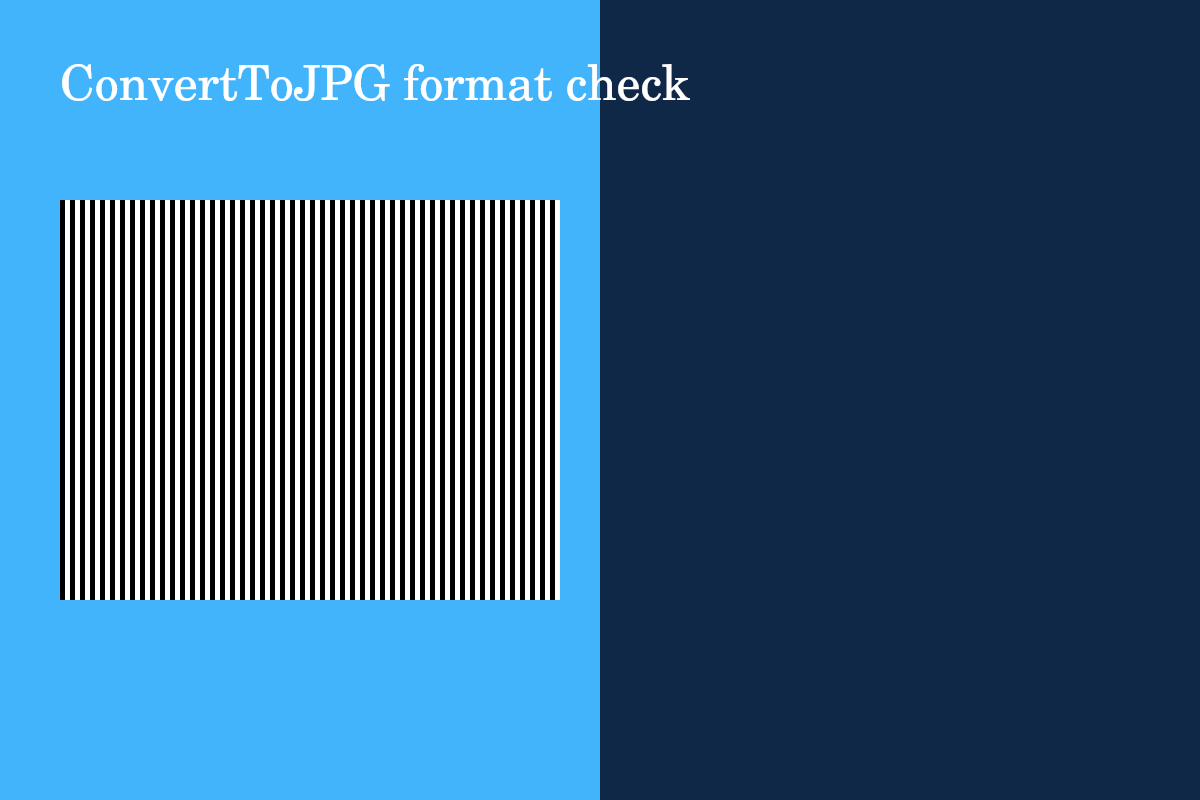
Download the original PNG · Download the converted JPG · Download the two-image PDF
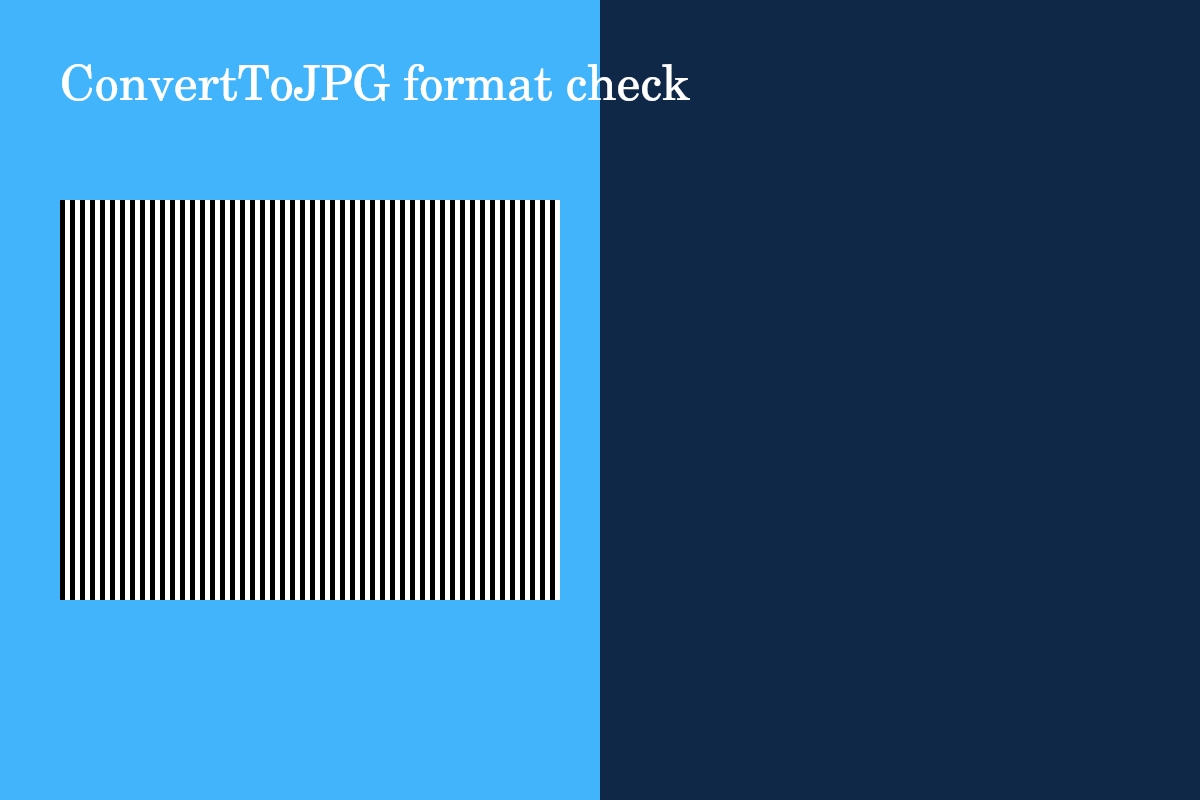
| Output from the PNG chart | File size in bytes | What to check |
|---|---|---|
| JPG, quality 100, original dimensions | 78,217 | Look closely at stripe edges and text. |
| PNG, original dimensions | 20,223 | Sharp edges suit lossless compression. |
| TIFF, original dimensions | 3,840,166 | A larger file does not mean added detail. |
| Single-image PDF | 20,242 | Open the page and inspect the chart. |
The JPG was larger than this PNG: format conversion is not automatically compression. Flat blocks and repetitive stripes compress efficiently as PNG. A photograph can behave differently. Download the chart, choose PNG to JPG, keep original dimensions and quality 100, and compare your result; encoder and browser versions can change the byte count.
We also converted both JPG and PNG inputs to JPG, PNG, TIFF and PDF, checked that a combined PDF included both images in selection order, and confirmed that a corrupt HEIC failed without preventing the next PNG from converting. The 1,000-file queue, filename collisions and folder-save failure checks use simulated browser APIs. These checks do not establish camera-specific RAW support or real iPhone download behavior.
Review before you send
Open the saved copy and check orientation, text clarity, dimensions, color and transparent edges. Processing happens on your device, but websites you later upload to have their own privacy practices. See supported capabilities, privacy, or contact support if you need help.